🌐 English ▾
Bookmark this page
Computer: Ctrl+D (Mac: ⌘+D)
iPhone: Share → Add to Favorites
Android: Menu → Bookmark
How to use
Save X videos to your phone or PC. No app install needed, free to use.
How to get the tweet link
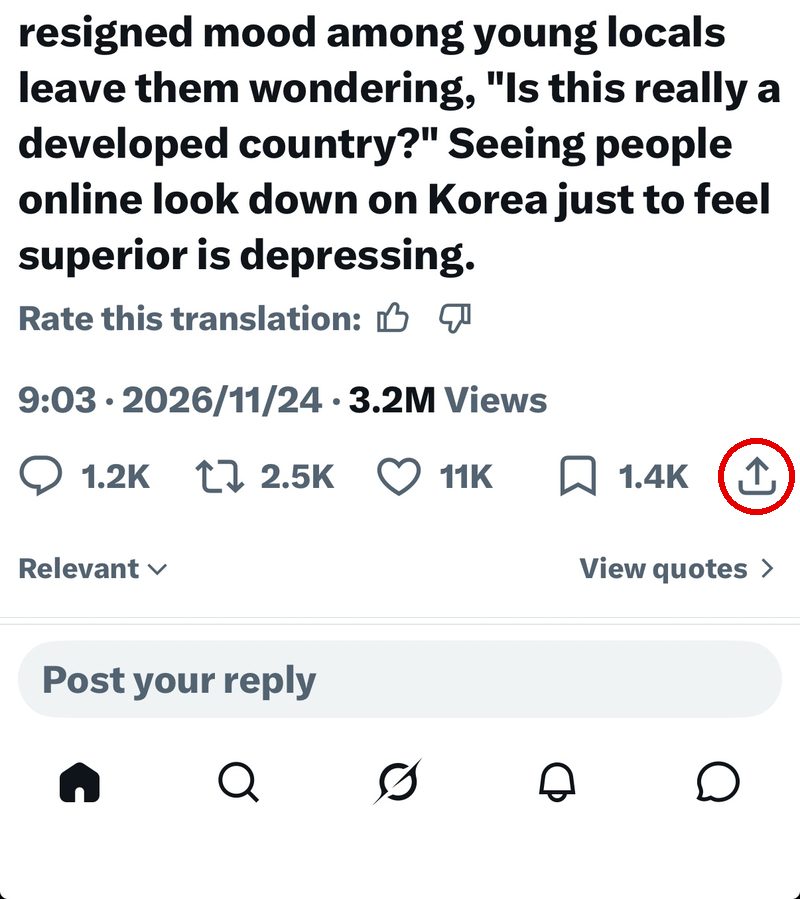
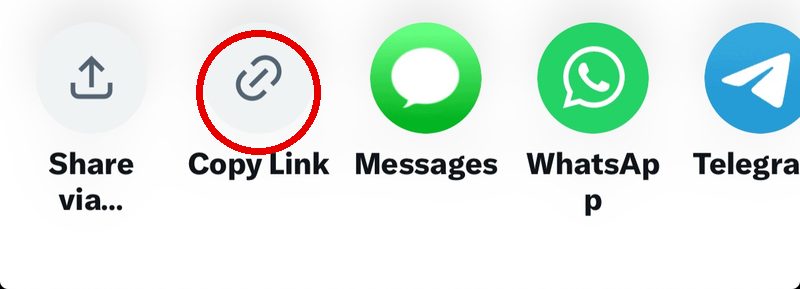
The link looks like this: https://x.com/xxx/status/1234567890 — paste the whole link.
- Open the tweet with the video you want, tap Share, then Copy link.
- Paste the copied URL into the box on the download page and tap Download.
- Check the video on the next page, tap a quality (720p / 360p / 270p, etc.) and the download starts.
- On iPhone, if the video plays instead of downloading, tap Share, then Save to Files. On Android it saves directly.
- Only videos from public tweets can be saved. Private accounts, deleted tweets, and tweets without video cannot be saved.
DMCA: If you believe any linked content infringes your copyright, please contact service@avfzk.com and we will promptly remove the link.